
No more paper or losing your place, cross stitch made simple!
Track every stitch, highlight colours and zoom to any size. Stitch anything in our pattern library as often as you like, bring your own favourite charts with you, or create your very own, right on your own device.
Start stitching smarter right now!
Already have an account? Log in
Your whole stitching journey, in one place
Tap any of these to jump to it further down the page.Tap an underlined feature to jump to it further down the page, or the book icon beside it for its full guide.
Start with a chart
- Pattern libraryHundreds of designs, new ones every week
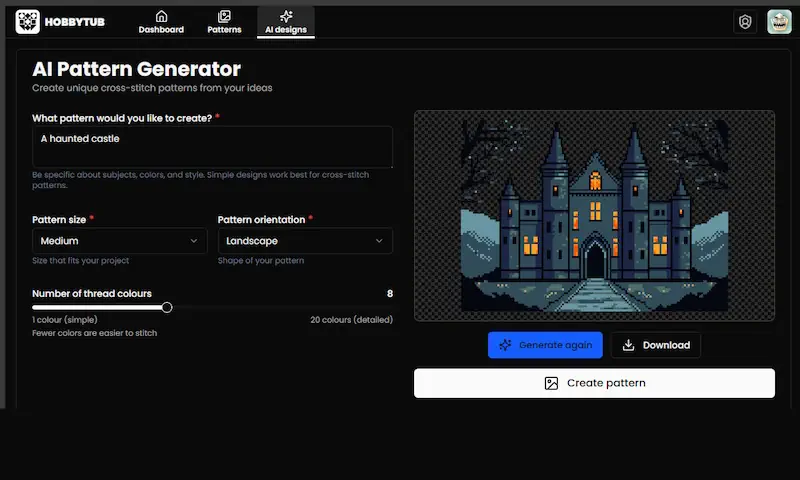
- AI designsDescribe your idea, up to 50 a month
- Import chartsPDF, OXS, PAT and XSD files
- Mark up a PDFStitch from a chart you already bought
Make it yours
- Photo to patternReal threads from 14 brands
- Chart editorDraw, edit and fix any chart
- Swap thread coloursChange any shade, or pick one you own
- Names & letteringStitchable text in your own chart
Stitch it
The part you’ll open every day
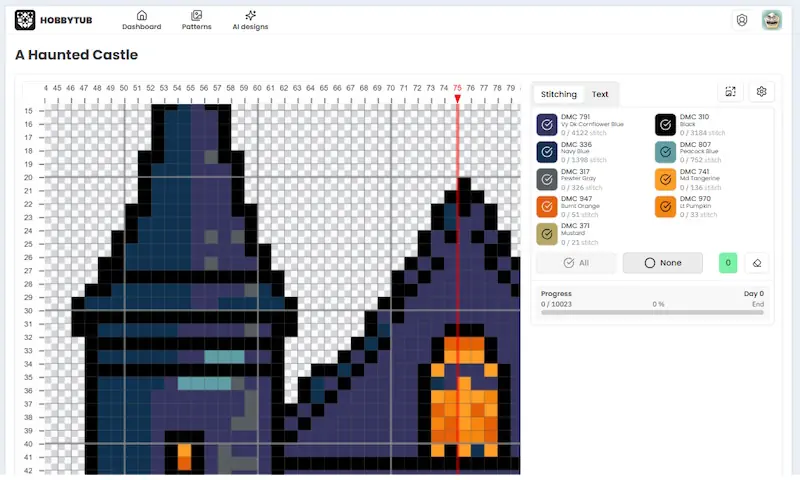
- Mark off stitchesOne tap each, saved as you go
- Part stitches & knotsBackstitch, fractionals, knots and beads all count
- Any device, offlinePhone, tablet and laptop stay in step
Keep track
- Journal & archiveDated notes, and finished work put away
- Thread stashWhat you own, and what to buy
- Fabric & thread sumsSkeins worked out for your fabric
- Sell your chartsYour name, logo and terms on the cover
Professionally designed pattern library with text and AI tools
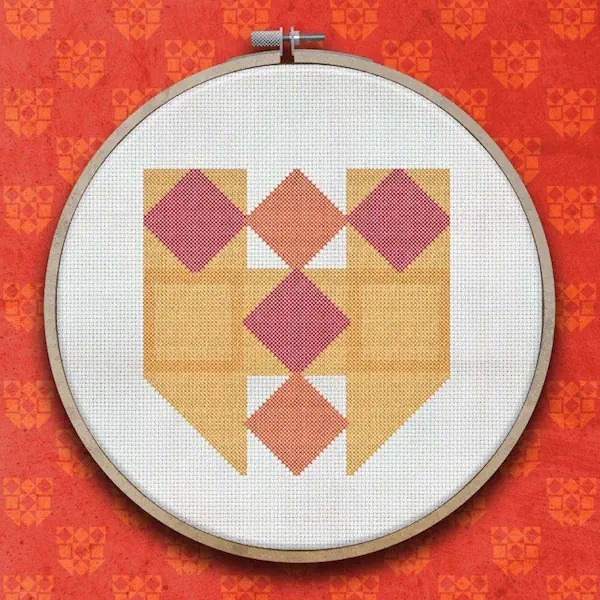
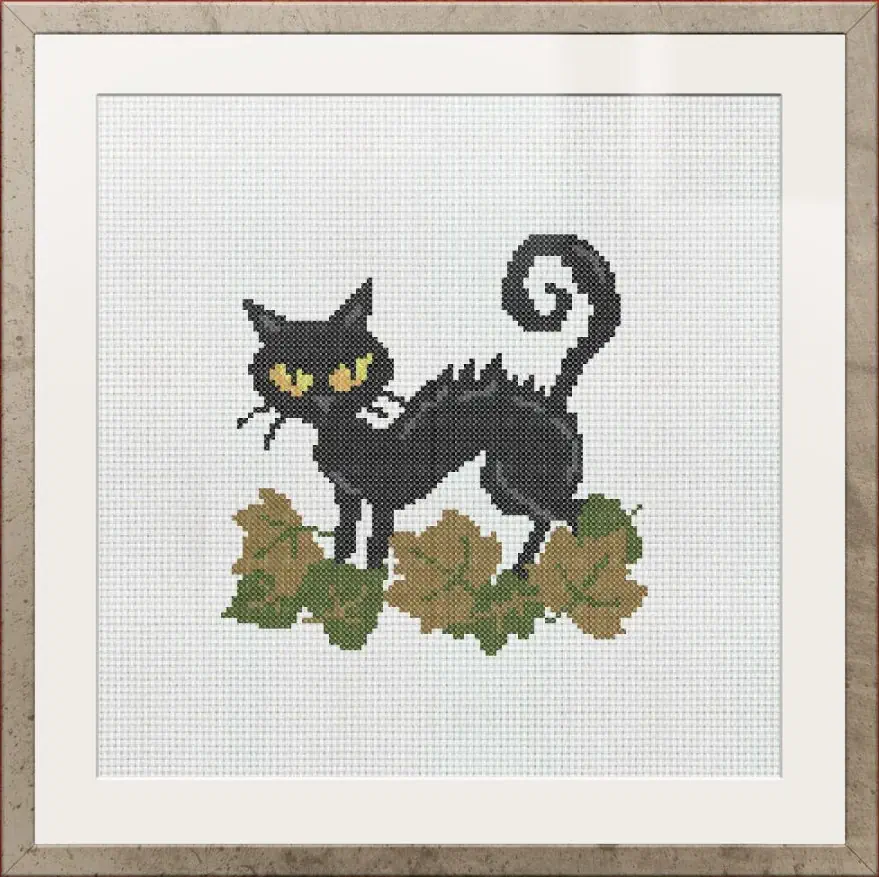
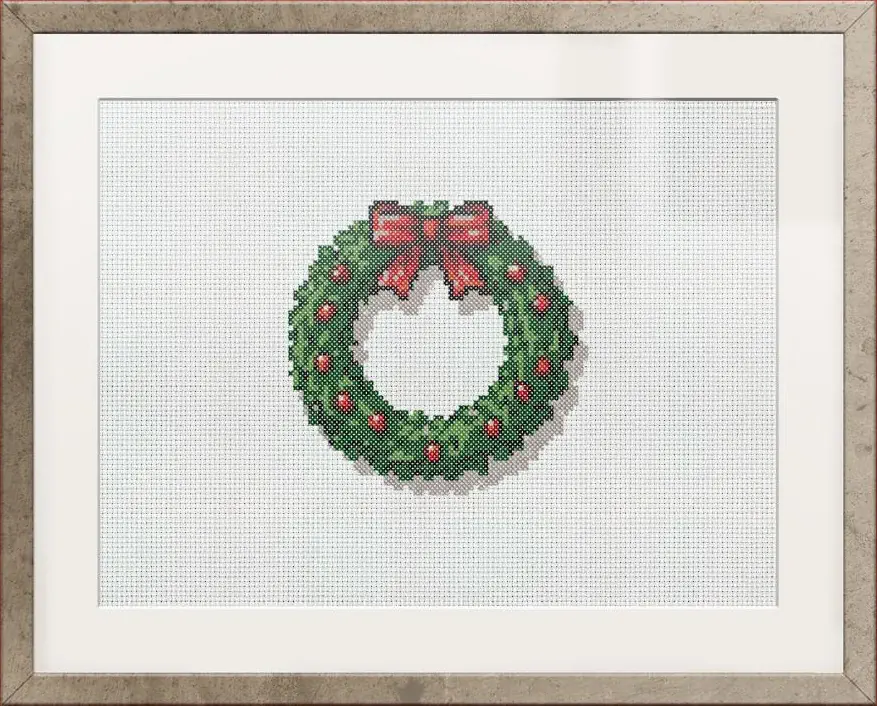
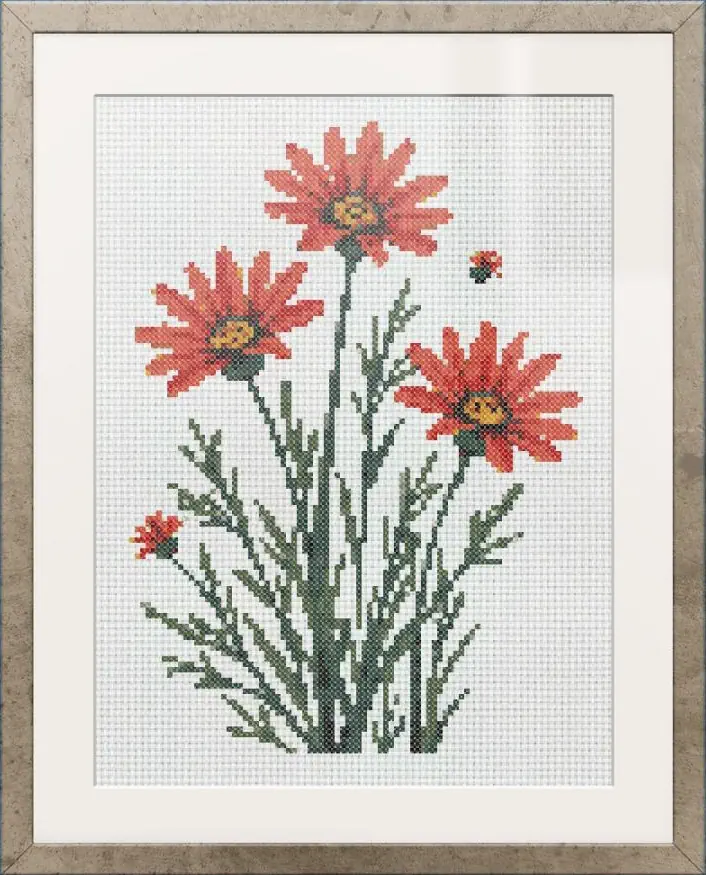
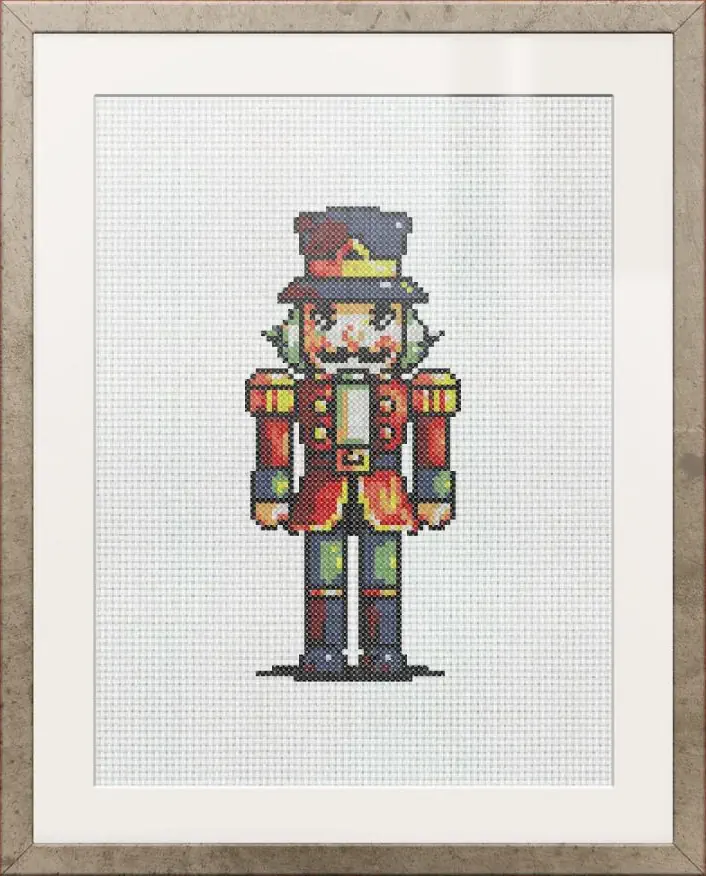
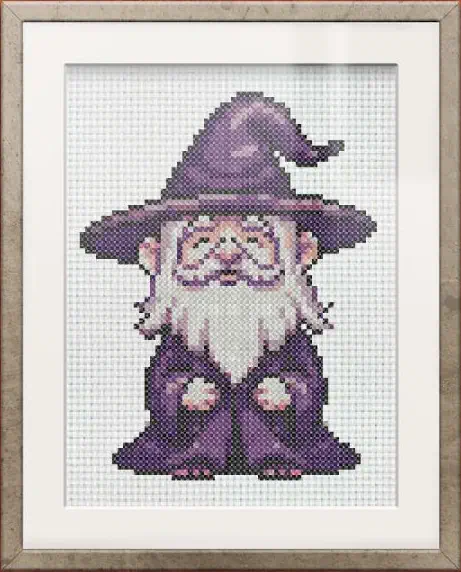
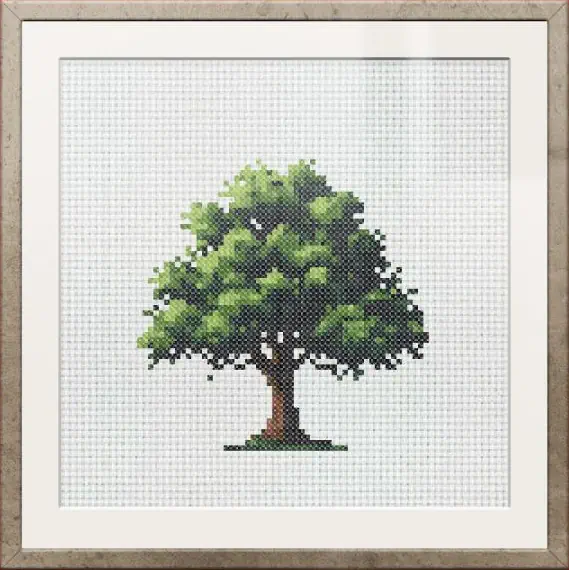
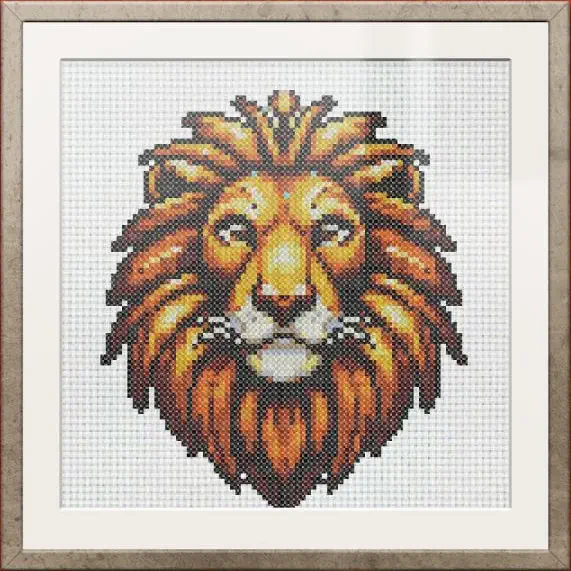
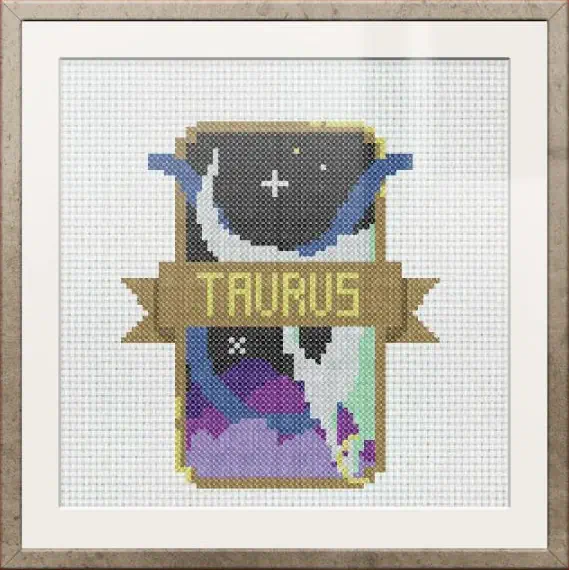
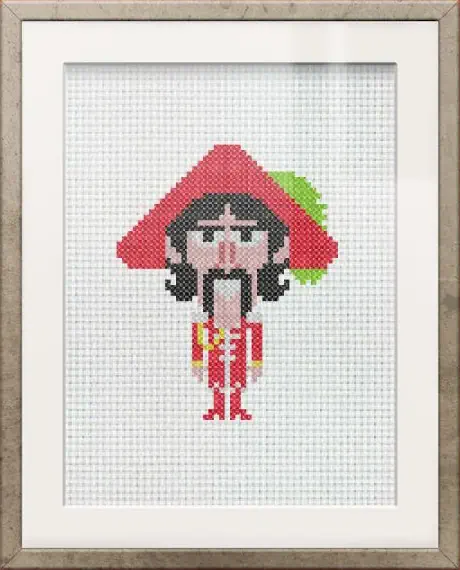
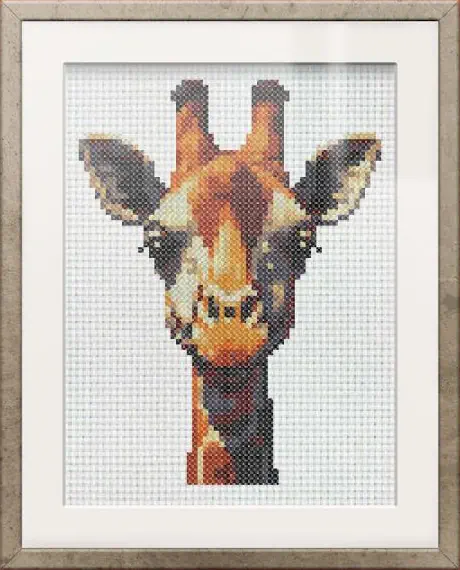
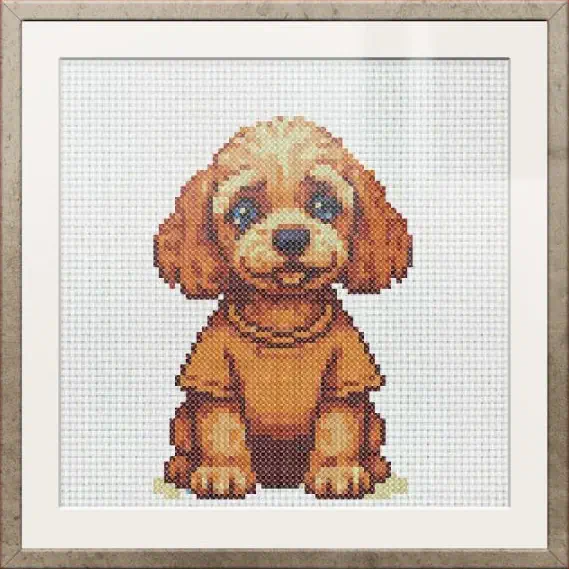
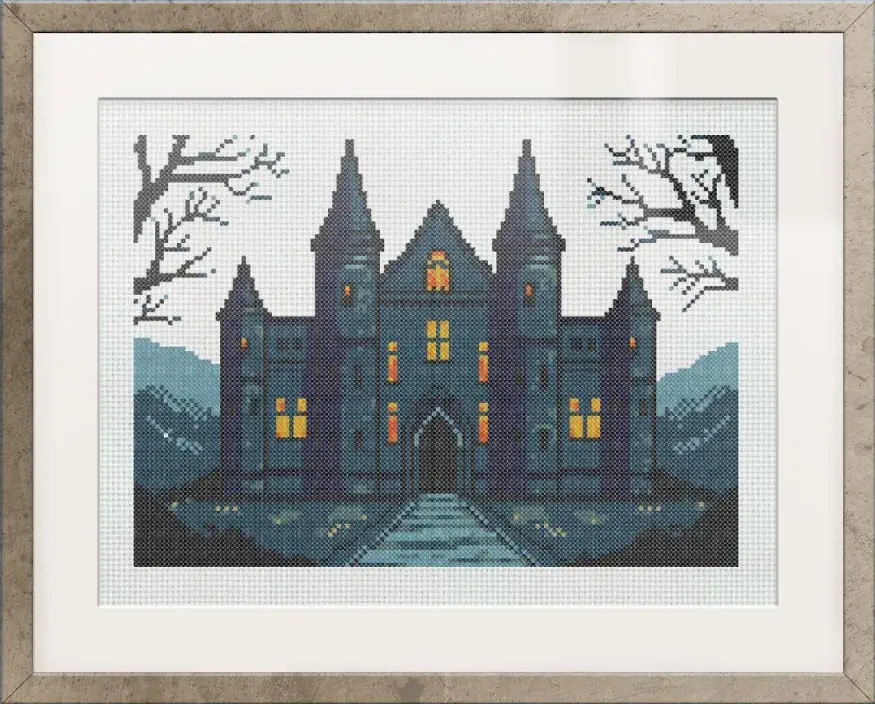
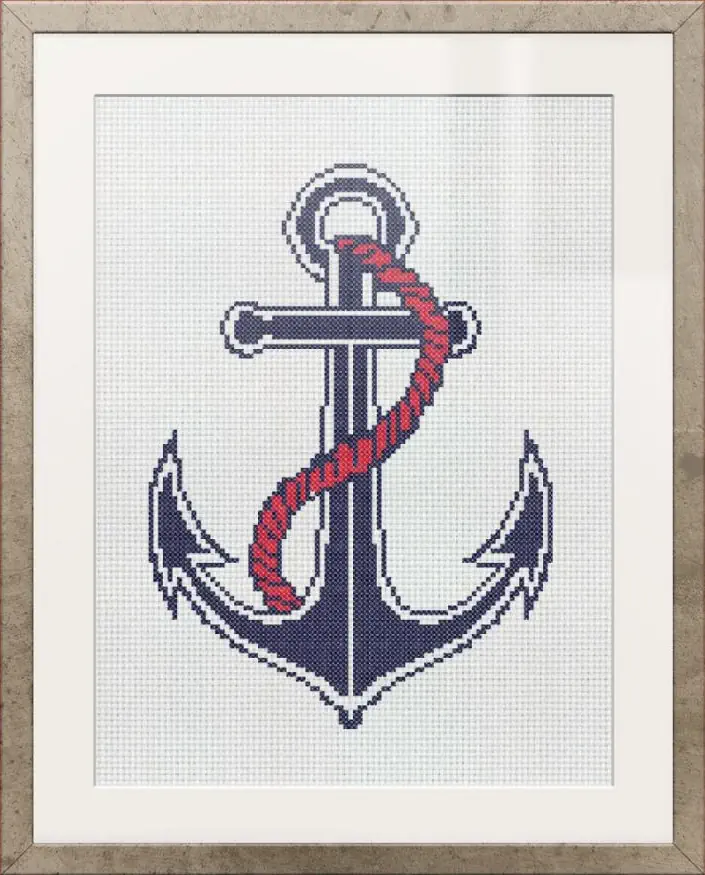
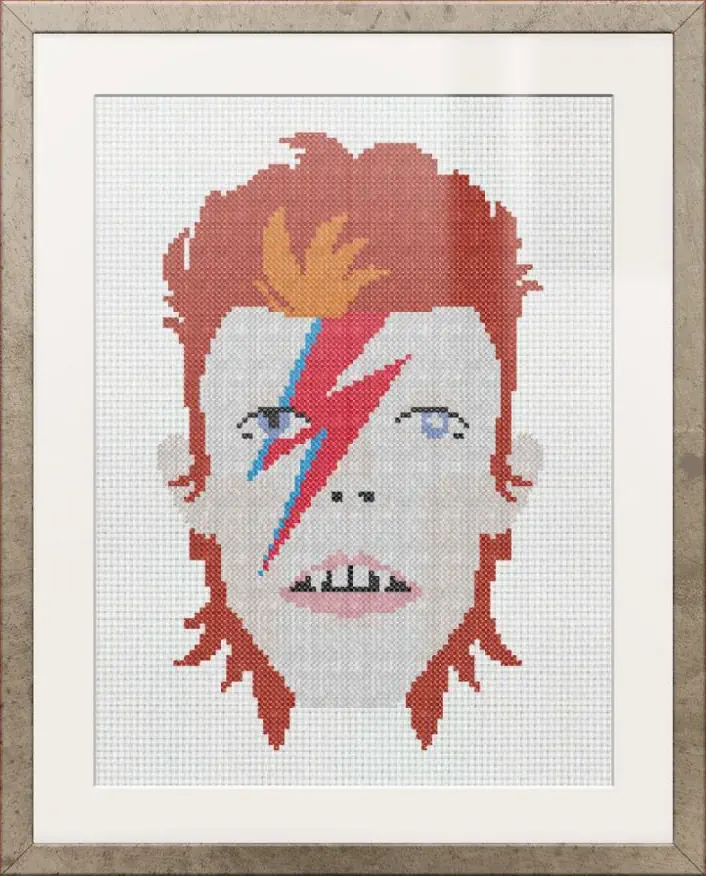
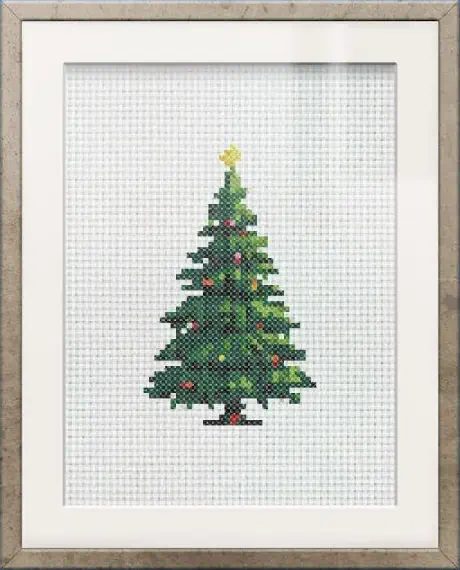
Every design in the library is included, and you can stitch any of them as many times as you like. None of them is fixed, either: add a name or a date, swap a colour for a thread you already own, or change any part of the design you would have done differently. There is no charge per chart, so your tenth pattern costs exactly what your first one did, and new designs are added every week.
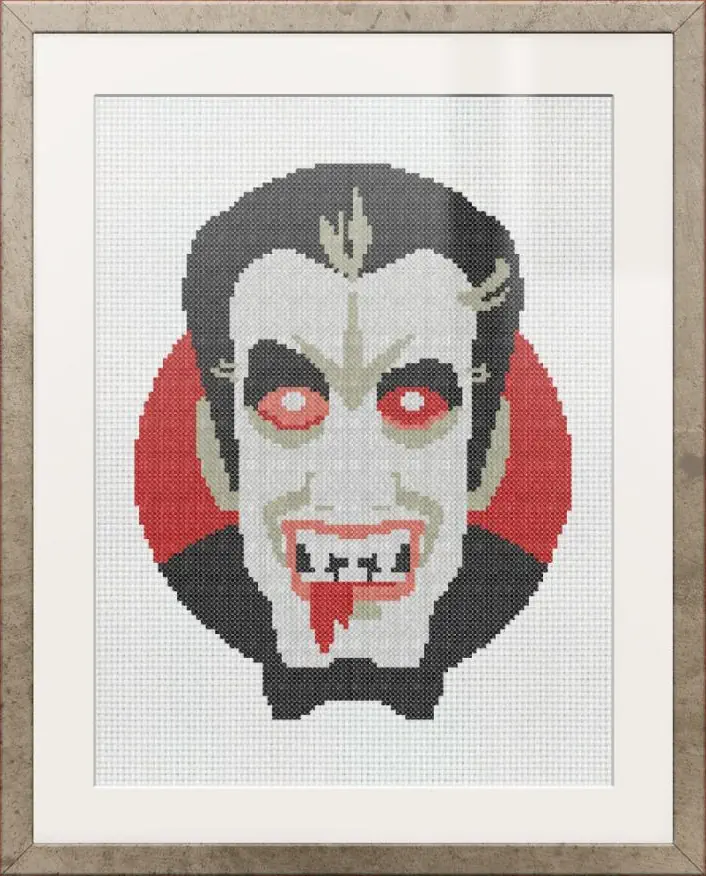
Keep your project on track, the easy way...
Paper & other apps
The HobbyTub way
Hard to keep track
Always know your place
You lose your place easily, especially on detailed patterns.
Mark stitches digitally with one tap and never lose track.
Messy highlights & marks
Neat & tidy progress
Pen scribbles, smudges and worn markings.
No smudges, scribbles or worn markings, everything stays clear and easy to read on screen.
Complex fixed patterns
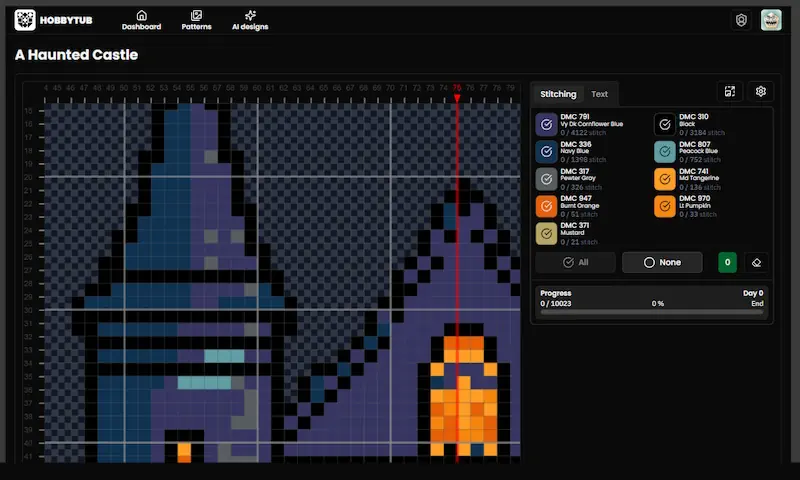
View only the thread you are working on
Overcomplicated patterns make it hard to focus on your stitching.
Easily see the current thread colour you are working with, clear the clutter and stay focused.
No undo button
Fix mistakes instantly
Make a mistake? Too bad!
Marked a wrong stitch? Just remove it with a click.
Awkward to carry around
Stitch anywhere
Folded pages, crumpled print outs or bulky pattern books.
Forget folded pages and bulky books, take HobbyTub with you on your iPad, phone, tablet, laptop or desktop.
Easy to damage or lose
Always safe & saved
One spilled drink or misplaced page and your progress is gone.
We’ve got you covered with progress auto-saves. Reuse the same pattern over and over.
Slow & frustrating
More time stitching
Flipping back and forth, scanning rows with your finger, it slows you down!
No page flipping or scanning rows, with row and column markers, just smooth, focused stitching.
One time use
Do the same pattern again & again
Once you’ve marked your progress, the pattern is no longer usable.
Reuse your patterns as many times as you like, your progress is always saved separately.
Similar shades, tiny symbols
Never mix up your threads
Look-alike colours and hard-to-read printed symbols make it easy to grab the wrong thread.
Show a symbol or letter on every square, matched to your thread list, so you always pick the right colour.
Notes on scraps of paper
A dated journal on every project
The thread you ran out of, where you got to, who it is for, all on a note that goes missing before you come back to it.
Write an entry whenever something happens and it is kept with the project, with its own date, so picking a piece up months later starts with what you told yourself last time.
Finished work in the way
Finished work put away
Pieces you completed years ago sit in the same pile as the one that is on your hoop right now.
Mark a piece finished, or set one aside part done, and it moves to your Archive. Your dashboard shows what you are actually stitching, and anything can come back to it in one tap.
Stuck on one platform
Carry on where you left off
The markup apps that do sync only sync within one platform, so moving between an Android phone and an iPad still means exporting a backup and restoring it.
One project on your phone, tablet and laptop, already up to date when you open it, with nothing to export or import.
Only the whole squares
Every kind of stitch counted
The best known stitch marker counts full crosses and nothing else, so backstitch, knots and every split square on a curve go untracked.
Mark off backstitch, French knots, beads and fractional stitches in their own right, so a square shared by two colours is two marks and your percentage is the honest one.
Not on iPhone or iPad
Works on whatever you own
Some of the best known stitching apps are Android only, so the one everybody recommends is the one you cannot install.
iPhone, iPad, Android, Chromebook and desktop all get the same thing, and it adds to your home screen like an app.
More about: marking off stitcheskeeping a project journal
Stitch on every device you own
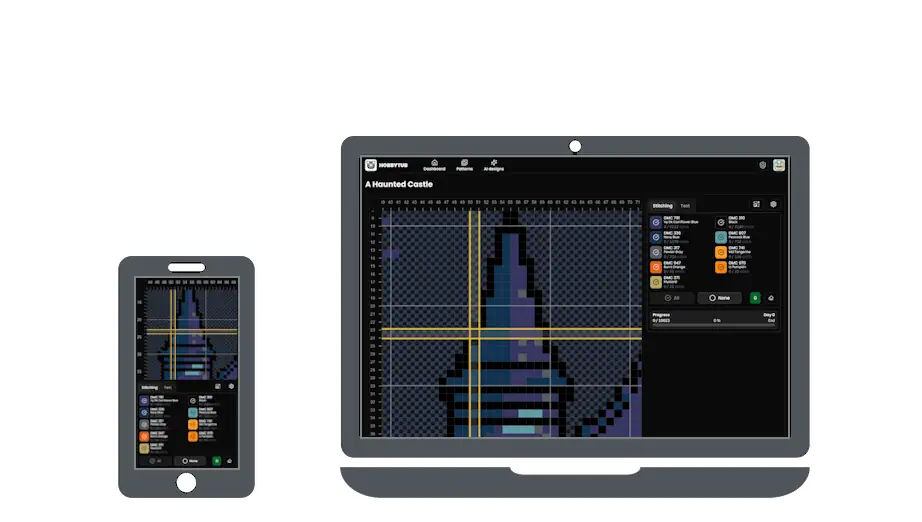
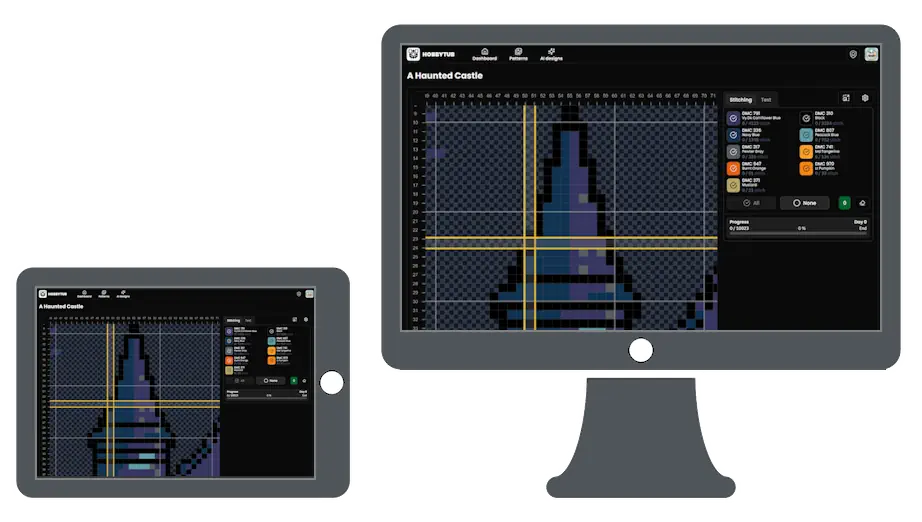
More about stitching on any device
Make any pattern your own, no extra install required
Change a colour for one you already own, add a name or a date, adjust part of the design you would have done differently, or draw a whole chart from scratch. The editor is here to make a pattern yours, on whatever device you stitch from, with nothing to install.
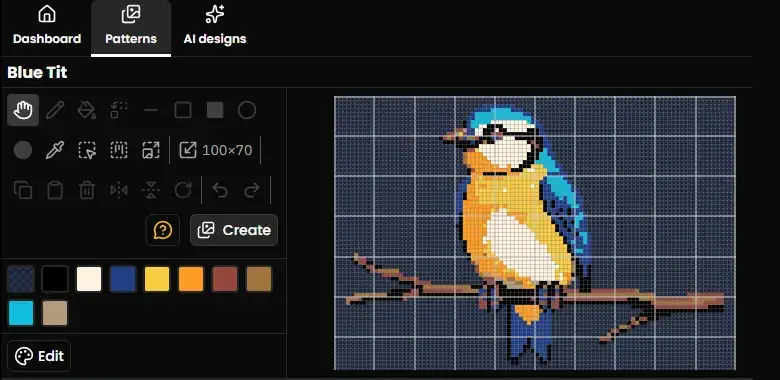
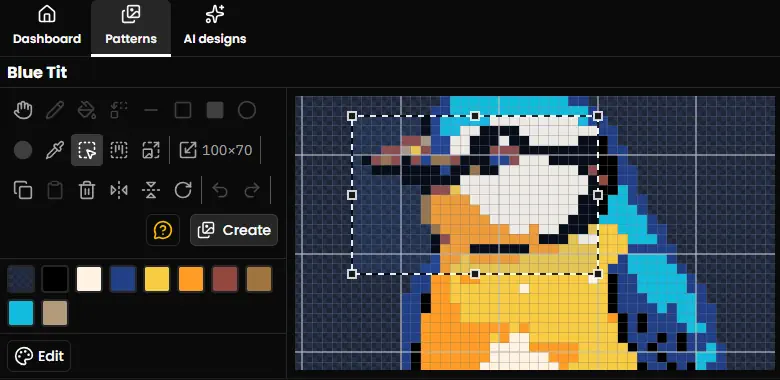
See your entire pattern on the fabric, with your complete toolkit always at hand.
Precisely select any area of your pattern to copy, move or modify.
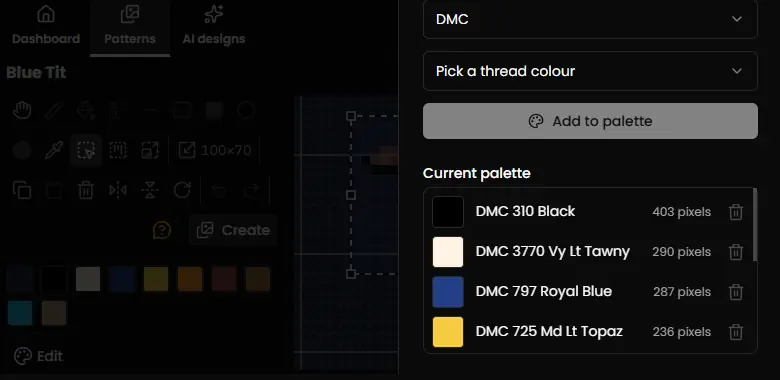
Choose from hundreds of DMC, Anchor, Madeira, Cosmo, J&P Coats, Presencia, Ariadna, CXC, Dimensions, Gamma, Luca-S, PNK Kirov, Sullivans and Unitas thread colours and build your perfect palette.
- Full drawing toolkitPencil, lines, shapes, flood fill, replace one colour throughout, erase and more, to draw and edit any pattern.
- Zoom & panNavigate large patterns effortlessly with smooth zoom and pan controls.
- Precision selectionSelect by rectangle, by colour region or with a freehand lasso, then copy, paste and move it.
- Thread colour pickerHundreds of DMC, Anchor, Madeira, Cosmo, J&P Coats, Presencia, Ariadna, CXC, Dimensions, Gamma, Luca-S, PNK Kirov, Sullivans and Unitas thread colours at your fingertips.
- Palette managerBuild, reorder and swap your thread palette instantly.
- Backstitch, knots & beadsDraw backstitch lines, French knots and beads with dedicated tools, just like a printed chart.
- Fractional stitchesThree-quarter, quarter, half and petite stitches, so curves and soft edges read as the designer drew them instead of coming out blocky.
- Text & letteringAdd names, dates and messages, position and align them perfectly, and keep them as text you can reword for the next project. Convert them to stitches only if you want to.
- Chart detailsGive a chart its own designer, copyright and working notes, which print instead of your account branding. A chart you imported keeps the original designer.
- Resize your fabricGrow or shrink your canvas from any edge or corner without losing your work, and set the fabric count and colour.
More about: the chart editornames and lettering
Bring your existing charts with you, import and keep stitching
Keep your favourite chart files, patterns, progress and tools together in one place with HobbyTub.
Your patterns are yours to take with you. With Premium, anything you draw, import or build from a photo can be downloaded again as an OXS file or a printable PDF chart.
PDF imports
Chart PDFs from most software
Bring a chart PDF from FlossCross, Pattern Keeper, PCStitch and others into HobbyTub without rebuilding the pattern by hand.
OXS imports
Open XML charts
Bring OXS chart files across from other pattern software and carry on where you left off.
PAT imports
PCStitch files
Import PAT files from PCStitch and continue with the same pattern inside HobbyTub.
XSD imports
PatternMaker charts
Open XSD chart files from PatternMaker and make them part of your HobbyTub library.
Every imported pattern gets the full HobbyTub toolkit
No matter which supported file format you start with, you can track stitches, zoom in close, highlight the thread you are working on and edit your pattern, with every colour matched to real DMC, Anchor, Madeira, Cosmo, J&P Coats, Presencia, Ariadna, CXC, Dimensions, Gamma, Luca-S, PNK Kirov, Sullivans and Unitas threads. Your progress stays safely saved across all your devices.
FlossCross, Pattern Keeper, PCStitch, and PatternMaker are trademarks of their respective owners. References are for compatibility identification only.
More about: importing chartsmarking up a PDF
Know what you own, buy only what you need
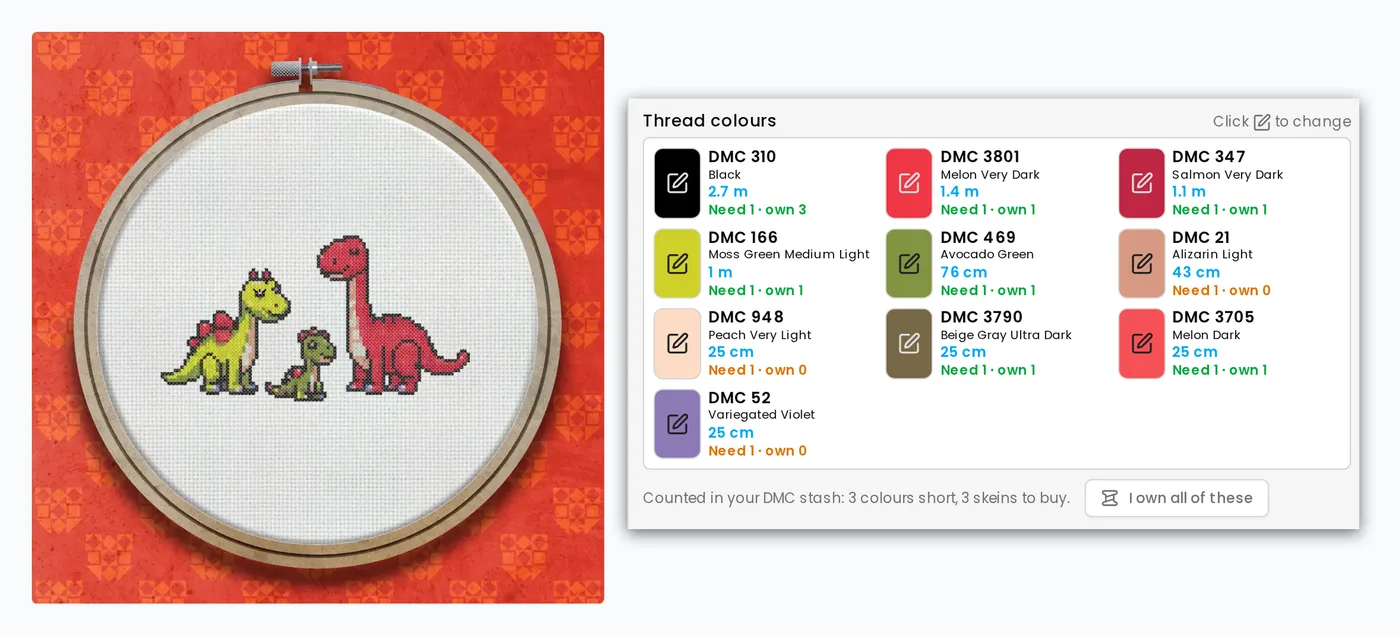
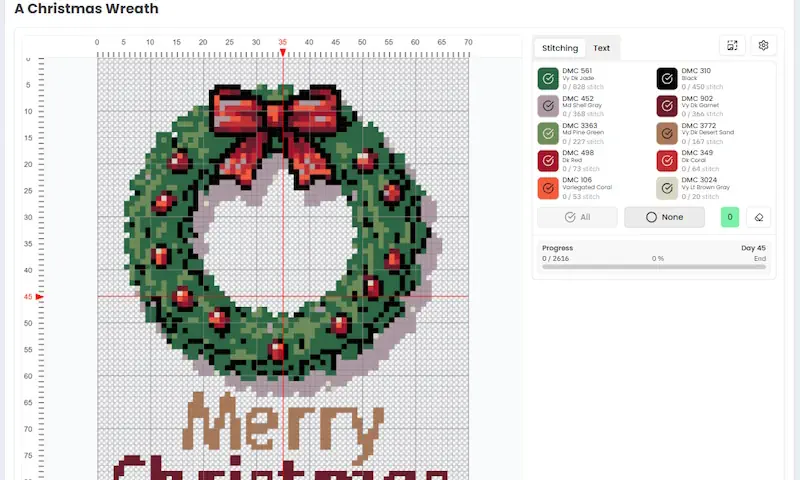
Keep a record of every skein in your drawer, in any of our 14 thread brands. Open a pattern or a project and each colour shows how many skeins it needs next to how many you have, so the shopping list is only the gap.
More about the thread stash
From start to stitched in just 3 simple steps...
1. Choose or create
Start with a ready-made library pattern, import one of your own digital charts, turn a photo into a pattern, create one from scratch in the editor, or let AI design it for you.
2. Start stitching
Pick up your needle and start your pattern, everything’s ready to go. We’ll tell you how many skeins of each colour you need and which ones your thread stash already covers, and you can swap any colour for one you own.
3. Track as you go
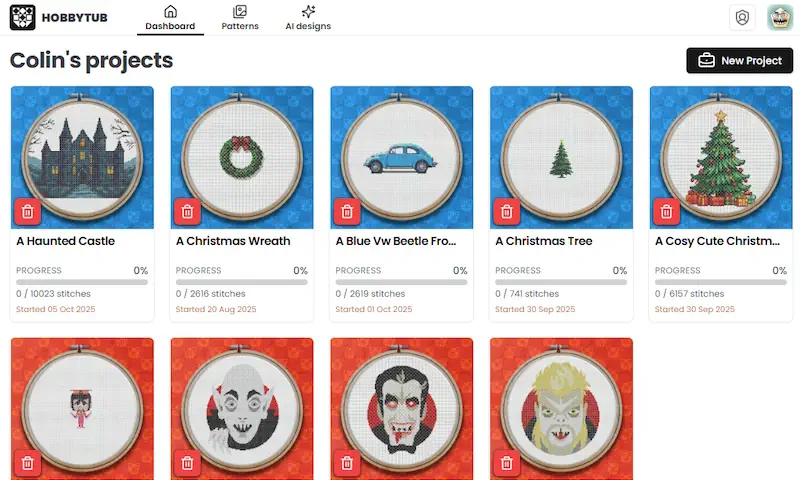
Mark off stitches, hide or show colours, and track your progress as you stitch. We’ll even estimate your completion date!
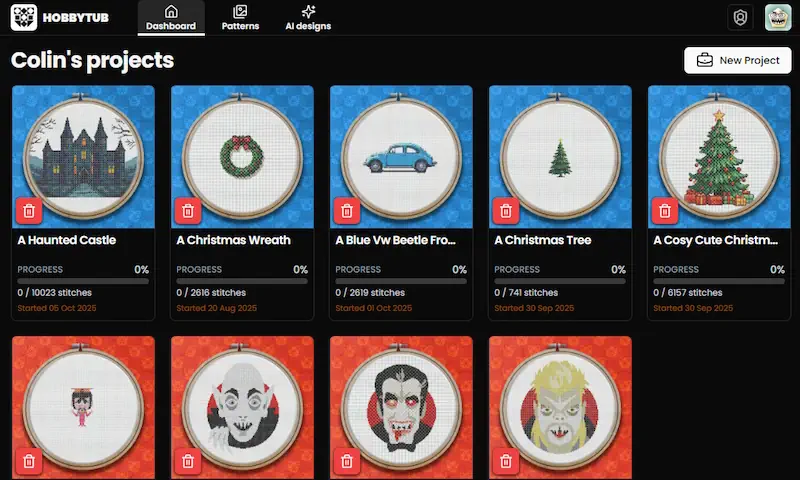
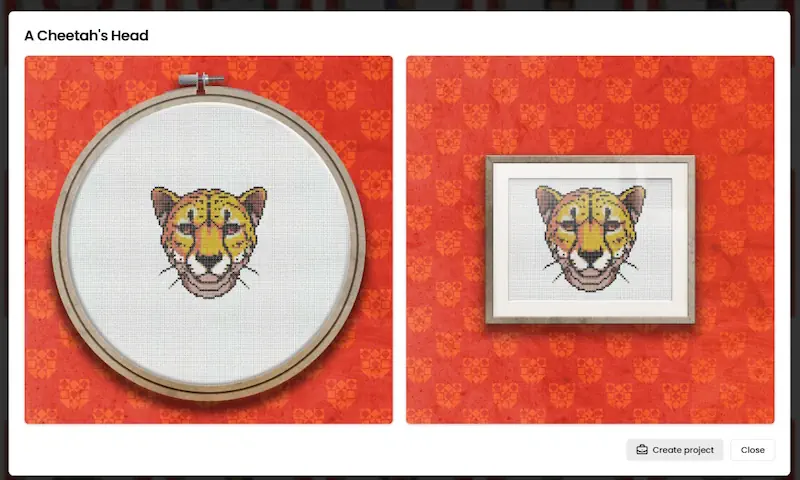
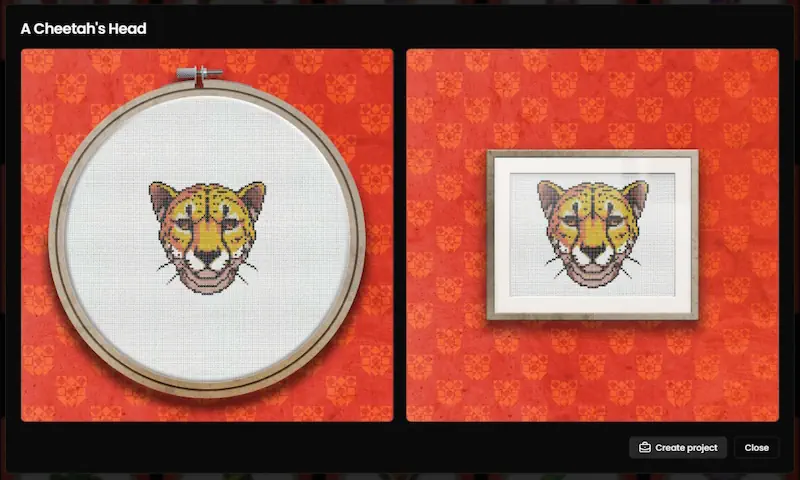
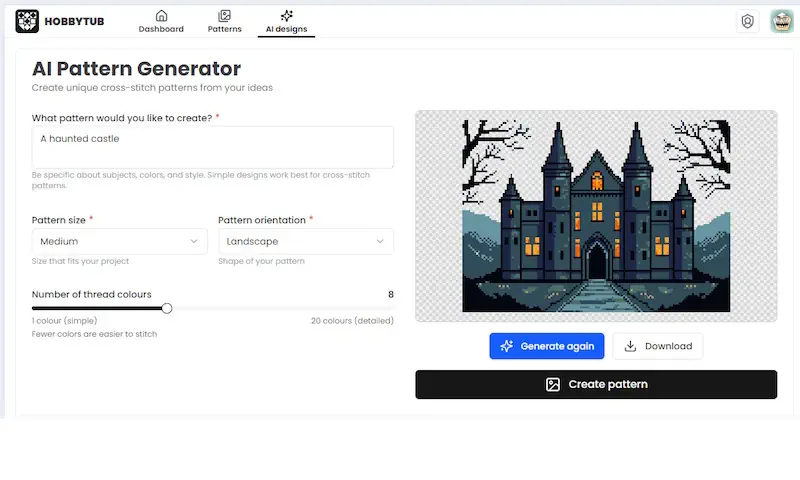
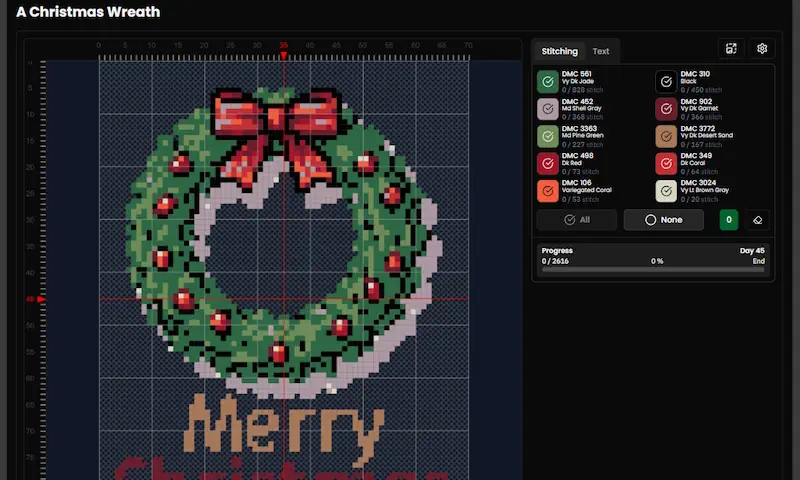
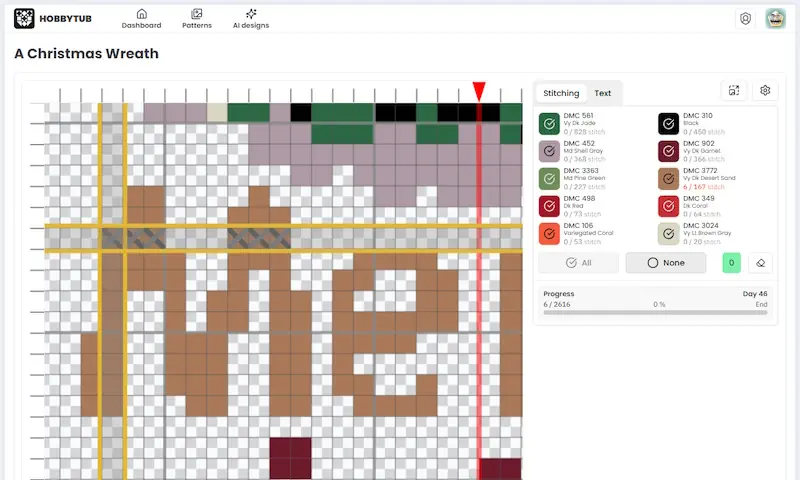
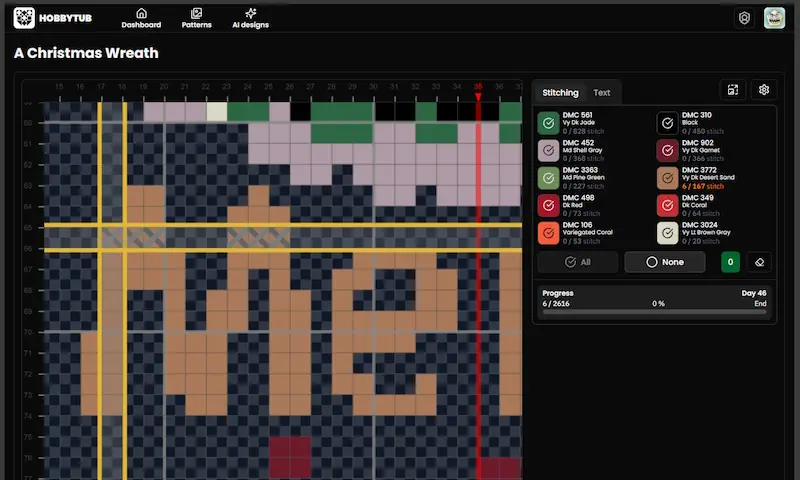
More about: making a pattern from a photoAI designsfabric and thread sums
Selling your designs? Put your name on them
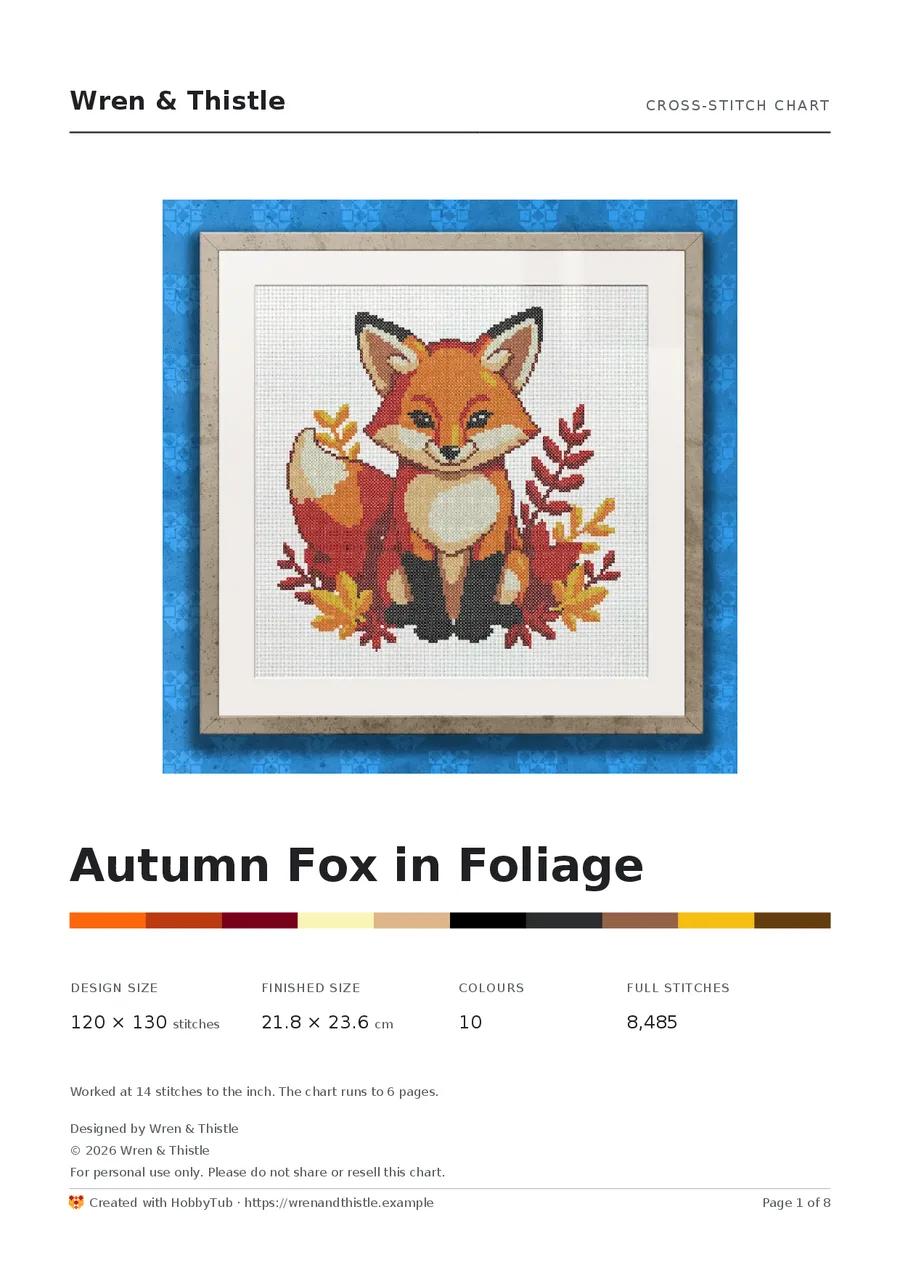
A chart you draw or convert from a photo exports as a finished product. Your name or logo goes across the top of the cover, with your copyright notice and your own terms under the design.
It is part of the plan, with no separate designer tier to upgrade to. Set it up once and every chart you export carries it.
Branding goes on charts you made, from a photo or in the editor. A chart imported from someone else’s file keeps its designer’s name.
More about selling your patterns
Simple, all-inclusive pricing
Premium
Access to all features
- Unlimited use of our whole pattern library
- New patterns added weekly
- Mark off stitches one tap at a time
- Part stitches, knots and beads all counted
- Stitch on any device, even offline
- Unlimited projects, neatly organised
- A dated journal on every project
- Import PDF, OXS, PAT & XSD charts
- Mark up a chart PDF you already own
- Turn any photo into a pattern
- Create & edit patterns by hand
- Customise patterns with text
- Thread palettes from DMC, Anchor, Madeira, Cosmo, J&P Coats, Presencia, Ariadna, CXC, Dimensions, Gamma, Luca-S, PNK Kirov, Sullivans and Unitas
- Thread stash, with what to buy for each pattern
- Create patterns with AI, up to 50 a month
- Export the patterns you draw, import or make from a photo, as OXS or a printable PDF
- Your name, logo and copyright on the charts you export